//
//
Dashboards 2.0
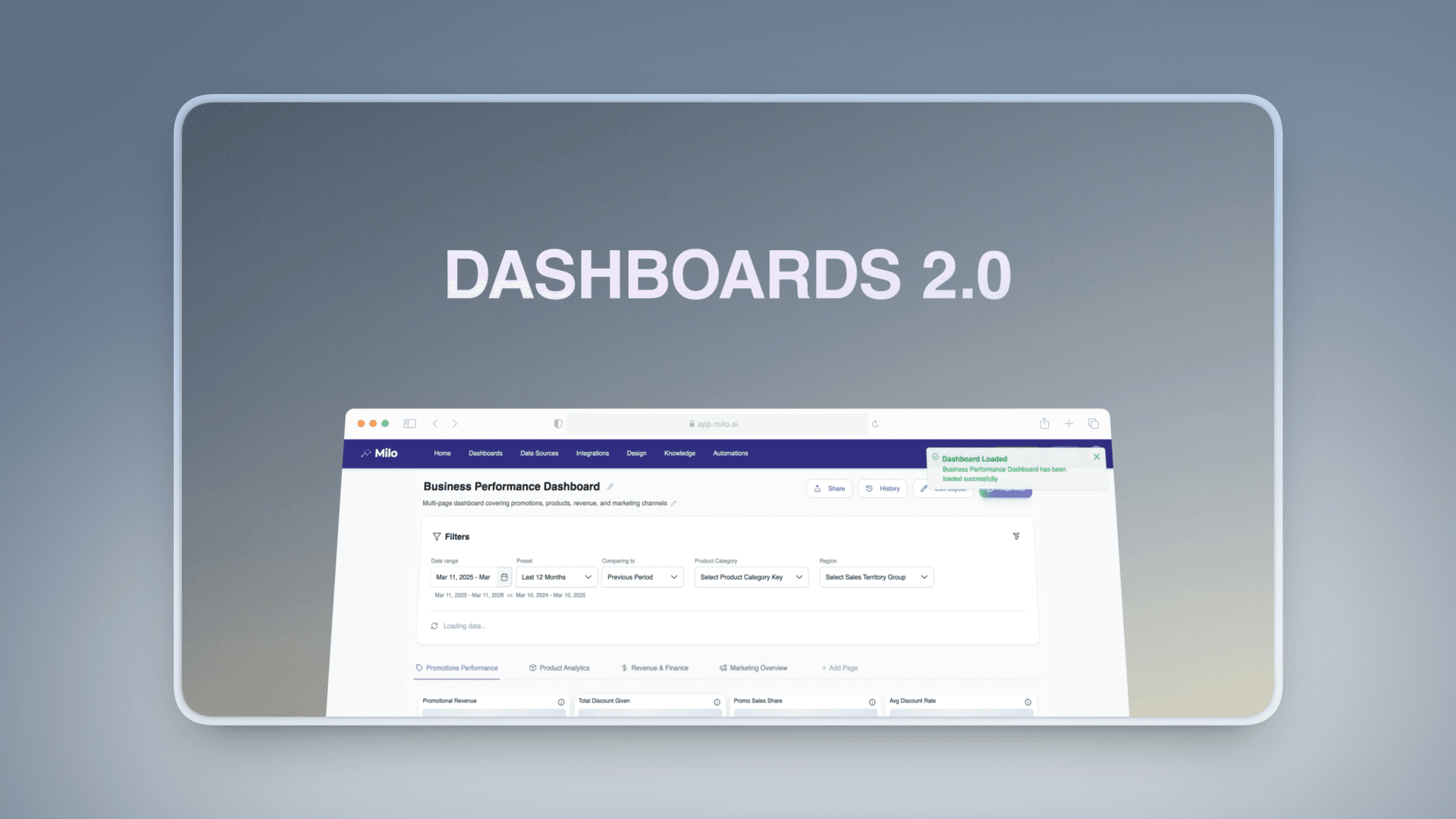
Dashboards 2.0 - From Prompting to Full Control
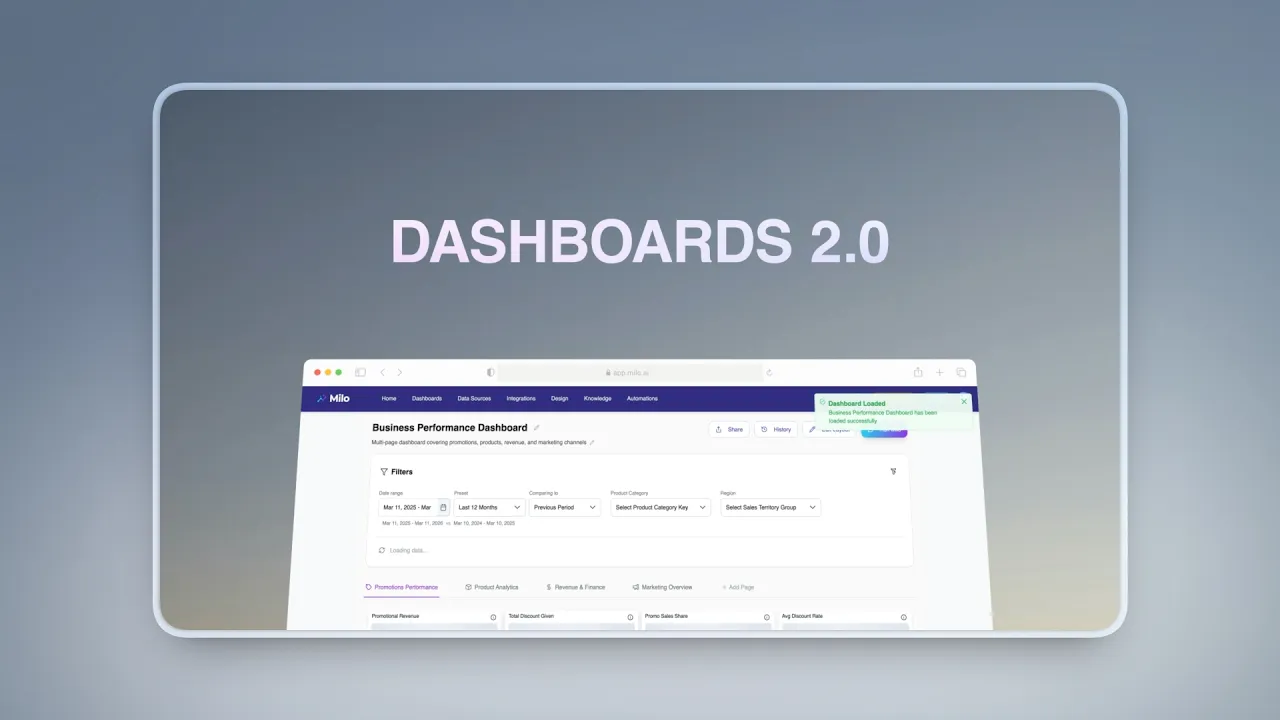
Dashboards have always been a core part of how you interact with data in Milo. With Dashboards 2.0, we’ve reworked the experience to give you something much more powerful: direct control, faster iteration, and full visibility over every change.
This update moves dashboards beyond a prompt-driven workflow into a flexible, hands-on environment—without losing the intelligence Milo provides.
Watch the video about this update here:
Manual Editing, Anytime
You can now manually edit any widget on your dashboard at any point.
Instead of asking Milo to adjust every detail, you can directly:
Change widget types
Swap or refine metrics
Adjust filters and dimensions
Resize and reposition components
This gives you immediate control over how your data is presented, making it easier to fine-tune dashboards for different use cases - whether it’s internal reporting, performance monitoring, or quick analysis.
Milo still helps you generate dashboards, but now you’re no longer limited by iteration through prompts.

Real-Time Layout & Configuration Updates
All edits happen in real time.
As you adjust widgets or update configurations, your dashboard updates instantly - no reloads, no delays. This makes it easier to experiment, compare different setups, and quickly arrive at the exact view you need.
The result is a much more fluid workflow, where building and refining dashboards feels continuous rather than step-based.
Built-In Change History
Every change you make is automatically tracked.
Dashboards 2.0 introduces a full change history system that records each update to your dashboard. You can:
View previous versions of a dashboard
Understand how it has evolved over time
Navigate through different iterations with clarity
This gives you complete visibility into your work and makes collaboration easier, especially when dashboards are shared across teams.
One-Click Reverts
With full history comes the ability to instantly go back.
If a change doesn’t fit your needs, you can revert your dashboard to any previous version with a single click. There’s no need to rebuild or retrace steps - everything is preserved and accessible.
This makes it easier to explore different approaches without hesitation, knowing that every version is safely stored.

A More Flexible Way to Work with Data
Dashboards 2.0 is about removing friction.
You still get the speed of generating dashboards with Milo, but now you also have the precision of manual control and the safety of version history. It’s a shift from “generate and adjust” to “build, refine, and evolve.”
Whether you're iterating quickly, collaborating with a team, or maintaining long-term reporting views, Dashboards 2.0 gives you the tools to move faster - without losing structure or clarity.
2026
4 minutes
Week 1
//
//
Dashboards 2.0
Dashboards 2.0 - From Prompting to Full Control
Dashboards have always been a core part of how you interact with data in Milo. With Dashboards 2.0, we’ve reworked the experience to give you something much more powerful: direct control, faster iteration, and full visibility over every change.
This update moves dashboards beyond a prompt-driven workflow into a flexible, hands-on environment—without losing the intelligence Milo provides.
Watch the video about this update here:
Manual Editing, Anytime
You can now manually edit any widget on your dashboard at any point.
Instead of asking Milo to adjust every detail, you can directly:
Change widget types
Swap or refine metrics
Adjust filters and dimensions
Resize and reposition components
This gives you immediate control over how your data is presented, making it easier to fine-tune dashboards for different use cases - whether it’s internal reporting, performance monitoring, or quick analysis.
Milo still helps you generate dashboards, but now you’re no longer limited by iteration through prompts.
Real-Time Layout & Configuration Updates
All edits happen in real time.
As you adjust widgets or update configurations, your dashboard updates instantly - no reloads, no delays. This makes it easier to experiment, compare different setups, and quickly arrive at the exact view you need.
The result is a much more fluid workflow, where building and refining dashboards feels continuous rather than step-based.
Built-In Change History
Every change you make is automatically tracked.
Dashboards 2.0 introduces a full change history system that records each update to your dashboard. You can:
View previous versions of a dashboard
Understand how it has evolved over time
Navigate through different iterations with clarity
This gives you complete visibility into your work and makes collaboration easier, especially when dashboards are shared across teams.
One-Click Reverts
With full history comes the ability to instantly go back.
If a change doesn’t fit your needs, you can revert your dashboard to any previous version with a single click. There’s no need to rebuild or retrace steps - everything is preserved and accessible.
This makes it easier to explore different approaches without hesitation, knowing that every version is safely stored.
A More Flexible Way to Work with Data
Dashboards 2.0 is about removing friction.
You still get the speed of generating dashboards with Milo, but now you also have the precision of manual control and the safety of version history. It’s a shift from “generate and adjust” to “build, refine, and evolve.”
Whether you're iterating quickly, collaborating with a team, or maintaining long-term reporting views, Dashboards 2.0 gives you the tools to move faster - without losing structure or clarity.
2026
4 minutes
Week 1
//
Dashboards 2.0
Dashboards 2.0 - From Prompting to Full Control
Dashboards have always been a core part of how you interact with data in Milo. With Dashboards 2.0, we’ve reworked the experience to give you something much more powerful: direct control, faster iteration, and full visibility over every change.
This update moves dashboards beyond a prompt-driven workflow into a flexible, hands-on environment—without losing the intelligence Milo provides.
Watch the video about this update here:
Manual Editing, Anytime
You can now manually edit any widget on your dashboard at any point.
Instead of asking Milo to adjust every detail, you can directly:
Change widget types
Swap or refine metrics
Adjust filters and dimensions
Resize and reposition components
This gives you immediate control over how your data is presented, making it easier to fine-tune dashboards for different use cases - whether it’s internal reporting, performance monitoring, or quick analysis.
Milo still helps you generate dashboards, but now you’re no longer limited by iteration through prompts.
Real-Time Layout & Configuration Updates
All edits happen in real time.
As you adjust widgets or update configurations, your dashboard updates instantly - no reloads, no delays. This makes it easier to experiment, compare different setups, and quickly arrive at the exact view you need.
The result is a much more fluid workflow, where building and refining dashboards feels continuous rather than step-based.
Built-In Change History
Every change you make is automatically tracked.
Dashboards 2.0 introduces a full change history system that records each update to your dashboard. You can:
View previous versions of a dashboard
Understand how it has evolved over time
Navigate through different iterations with clarity
This gives you complete visibility into your work and makes collaboration easier, especially when dashboards are shared across teams.
One-Click Reverts
With full history comes the ability to instantly go back.
If a change doesn’t fit your needs, you can revert your dashboard to any previous version with a single click. There’s no need to rebuild or retrace steps - everything is preserved and accessible.
This makes it easier to explore different approaches without hesitation, knowing that every version is safely stored.
A More Flexible Way to Work with Data
Dashboards 2.0 is about removing friction.
You still get the speed of generating dashboards with Milo, but now you also have the precision of manual control and the safety of version history. It’s a shift from “generate and adjust” to “build, refine, and evolve.”
Whether you're iterating quickly, collaborating with a team, or maintaining long-term reporting views, Dashboards 2.0 gives you the tools to move faster - without losing structure or clarity.