2026
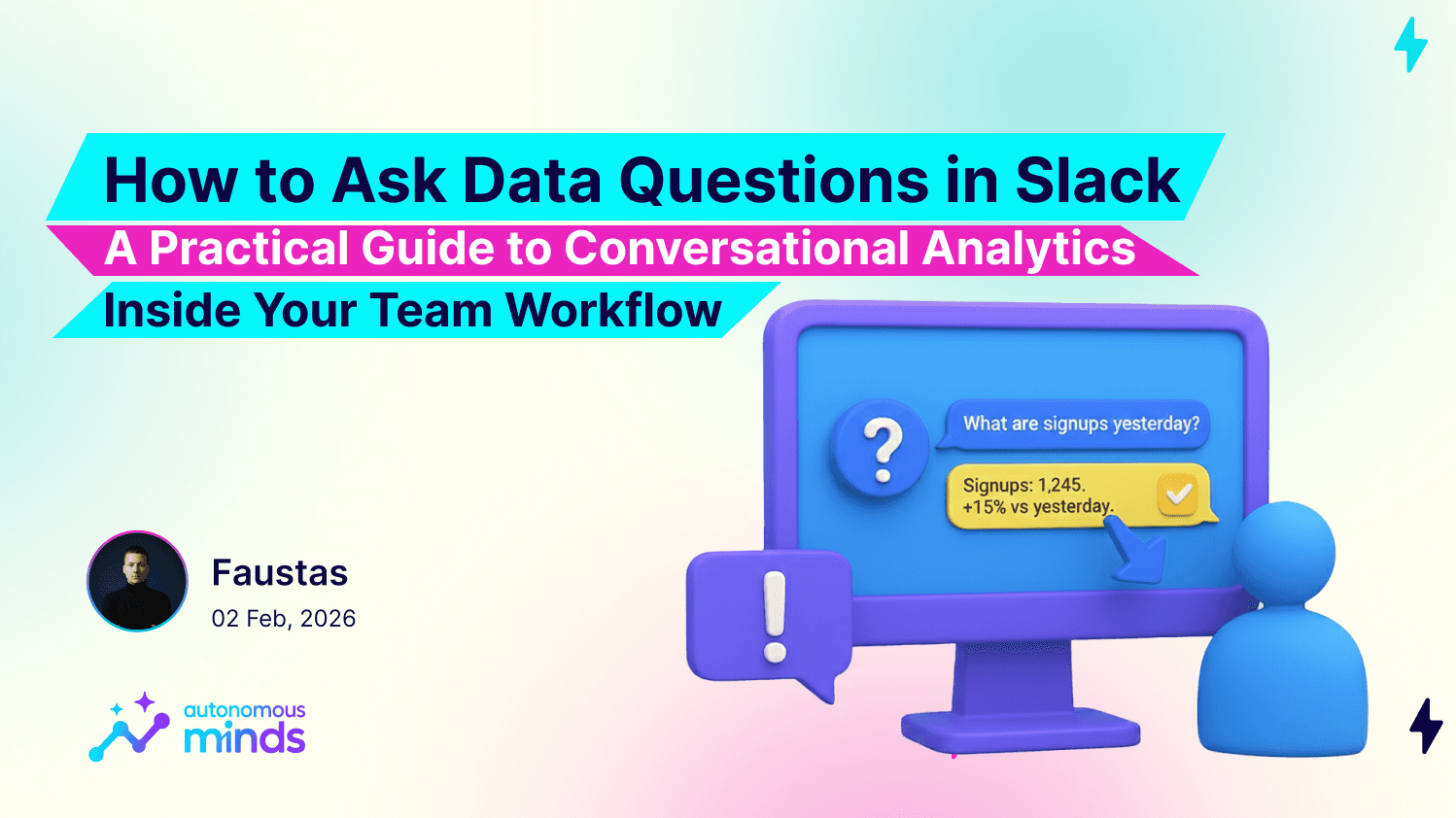
How to Ask Data Questions in Slack
With Milo messaging integrations, teams can ask data questions directly in Slack and get instant answers powered by AI analytics. No dashboard switching. No SQL. No waiting on reports. This guide shows exactly how it works and how product and GTM teams can use it day to day.

Faustas Rimkevičius
Growth Marketing
How to Ask Data Questions in Slack
A Practical Guide to Conversational Analytics Inside Your Team Workflow
Most teams already make product and revenue decisions in Slack. Metrics get discussed there. Campaign results get shared there. Funnel drops get flagged there.
But the answers usually live somewhere else.
Someone asks for a number. Someone else opens a dashboard. A screenshot arrives later. Context gets lost and momentum slows down.
With Milo messaging integrations, teams can ask data questions directly in Slack and get instant answers powered by AI analytics. No dashboard switching. No SQL. No waiting on reports.
This guide shows exactly how it works and how product and GTM teams can use it day to day.
Watch the Messaging Integrations Tutorial
Here is the full walkthrough showing how Milo works inside Slack and other messaging tools:
Use the guide below together with the video for setup and real usage examples.
Why Data Questions Already Happen in Slack
Slack is where execution happens. That naturally makes it a place where metric questions appear.
Typical examples you already see in channels:
What were signups yesterday
Did activation drop this week
Which campaign is converting best
How is pipeline trending this month
Are we above or below target today
The usual pattern
Question appears in Slack
Someone leaves Slack
They open a BI tool
They find or build a report
They post a screenshot
Follow up questions restart the loop
This creates delay and breaks decision flow.
Conversational analytics removes this gap.
The question and the answer stay in the same thread.
What It Means to Ask Data Questions in Slack
When Milo is connected to Slack, your chat becomes a live analytics interface.
You ask questions in plain language. Milo reads intent, queries your connected data, and returns structured answers.
The interaction pattern looks like this
You ask
What is our activation rate this week?
Milo answers
Activation rate is 36 percent for the last 7 days. Down 4 percent vs previous 7 days.
You follow up
Break that down by acquisition channel.
Milo answers again
Segmented results appear instantly.
No query writing. No chart building. No report hunting.
How Milo Slack Integration Works
Setup Flow
Step 1
Connect Milo to your Slack workspace
Step 2
Authorize channels or direct message access
Step 3
Connect your data sources inside Milo
Step 4
Start asking questions in Slack threads or channels
What Happens Behind the Scenes
Milo:
Understands your metrics and schema
Maps business terms to real fields
Translates questions into queries
Returns numeric answers plus explanations
Supports follow up segmentation questions
The result feels like chatting with a data analyst who responds instantly.
Real Example: Funnel Investigation Directly in Slack
Let’s walk through a realistic product team workflow.
Scenario
A PM notices activation is down during a weekly review discussion in Slack.
Instead of opening another tool, they ask Milo directly in the thread.
Question sequence example
Question 1
What is activation rate this week
Question 2
Compare activation rate vs last week
Question 3
Show onboarding funnel conversion by step
Question 4
Where is the biggest drop off
Question 5
Break that step down by device type
Outcome
Drop off step identified
Affected segment identified
Time comparison confirmed
Team aligned in one thread
No screenshots. No exported charts. No context switching.
High Value Questions to Ask in Slack
Slack based analytics is best for fast, decision driven questions. Here are proven categories that work well.
Product Analytics Questions
Show onboarding funnel for last 14 days
Where do users drop most
Feature usage by segment
Daily active users today
Retention by cohort
GTM Analytics Questions
Leads created this week
Conversion rate by campaign
Pipeline value by source
Demo to close rate
Top converting channel this month
Revenue Questions
MRR change this month
New vs expansion revenue
Revenue by plan
Churn rate trend
Operational Questions
Error rate today
Usage by plan tier
API calls by customer segment
Best Moments to Use Slack Based Analytics
Conversational analytics in Slack is strongest when speed and shared visibility matter.
Ideal use cases
Live meetings
Weekly KPI reviews
Launch monitoring
Campaign performance checks
Executive questions
Product incident discussions
If the team is already in Slack discussing performance, that is the right moment to ask Milo.
Benefits by Team Type
Product Managers
Faster funnel and feature analysis
No dependency on dashboard builders
Follow up segmentation in seconds
Answers during product discussions
GTM and RevOps
Instant campaign checks
Faster pipeline visibility
Quick segment comparisons
Shared answers across channels
Leadership
Direct metric access in exec threads
No report preparation delays
Transparent numbers for everyone
How to Ask Better Data Questions in Slack
Better inputs produce better outputs. Teach your team these simple patterns.
Include time ranges
Less clear
How is activation
Better
What is activation rate for the last 14 days
Ask comparison questions
Compare this week vs last week
Compare before and after last release
Use segmentation follow ups
Break that down by channel
Show by device type
Segment by plan tier
Keep one metric per question
Focused questions return cleaner answers and make follow ups easier.
From Dashboards to Conversations
Analytics is moving closer to where decisions happen.
Instead of building more static reports, teams are asking more dynamic questions. Instead of switching tools, they stay inside their workflow. Instead of waiting for analysis, they explore data live.
Slack becomes:
A discussion space
A decision space
An analytics interface
With Milo messaging integrations, asking data questions becomes as natural as sending a message. And getting answers becomes just as fast.
More insights to explore
Discover additional case studies, tips, and strategies to help your business grow and innovate faster.